
Table of Contents
Your Google Business Profile (GBP) is the most powerful free tool available to any local business in India. It is what determines whether you appear in Google Maps, the local 3-pack, and voice search results when someone nearby searches for what you offer.
Yet the majority of Indian businesses either have not claimed their GBP at all, or they set it up once and never touched it again. That is a missed opportunity every single day.
This guide walks you through how to fully optimize your Google Business Profile from scratch — the right way — so that you rank higher on Google Maps, get more calls, and drive more customers to your business in 2026.
| This post is part of our Complete Local SEO Guide for Indian Businesses. If you are new to local SEO, read the pillar guide first at Greatinflux for the full picture before diving into GBP optimisation. |
What is Google Business Profile and why does it matter
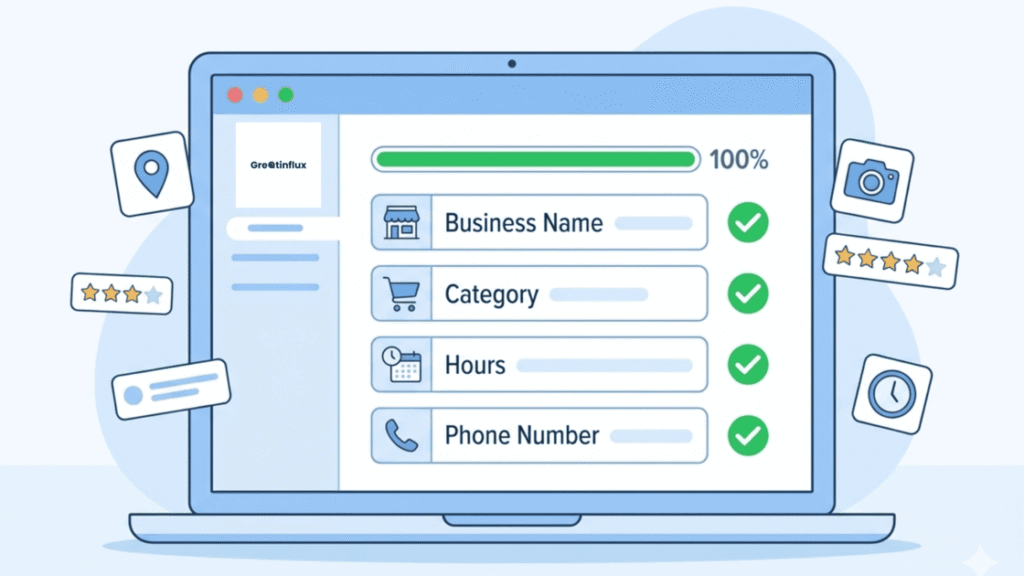
Google Business Profile is a free business listing tool provided by Google. When you claim and verify your listing, your business can appear in Google Search results, Google Maps, and the Knowledge Panel — the information box that appears on the right side of desktop search results.
For Indian businesses, GBP is often the first impression a potential customer has of you. Before they visit your website, before they call you, they see your GBP listing. Your rating, photos, hours, and reviews all appear there. An incomplete or outdated listing tells potential customers one thing: this business does not pay attention to detail.
A well-optimised GBP listing, on the other hand, builds trust instantly, makes it easy for customers to contact you, and signals to Google that your business is active and relevant — which improves your ranking.
Step 1 — Claim and verify your Google Business Profile
Before you can optimise anything, you need to own your listing. Go to business.google.com and search for your business name. If a listing already exists — which is common because Google sometimes creates listings automatically from public data — click ‘Claim this business.’ If nothing exists, click ‘Add your business to Google.’
Verification methods available in India
Google offers several verification methods depending on your business type. The most common for Indian businesses are:
- Postcard by mail — Google sends a postcard with a PIN to your registered address, usually within 5 to 14 days
- Phone verification — a code is sent by SMS or automated call to your registered number
- Email verification — available for some business types
- Video verification — you record a short video showing your business location, which Google reviews manually
Do not skip verification. An unverified GBP listing has extremely limited visibility in search results and cannot be fully managed. Verification is step zero.
Step 2 — Fill out every single field completely
Google’s own guidelines state that businesses with complete profiles are twice as likely to be considered reputable by users. More importantly, completeness is a direct ranking signal — Google needs information to match your business to relevant searches.
Business name
Use your exact legal or commonly known trading name. Do not add keywords, city names, or additional phrases to your business name. For example, ‘Sharma Electricals’ is correct. ‘Sharma Electricals — Best Electrician in Delhi’ is a violation of Google’s policies and can result in your listing being suspended.
Business category
Your primary category is the single most important ranking signal on GBP. Choose the most specific category that accurately describes your main service. If you are a general physician, choose ‘General Practitioner’ not just ‘Doctor.’ If you run a South Indian restaurant, choose ‘South Indian Restaurant’ not just ‘Restaurant.’
You can add secondary categories to cover additional services. A bakery that also offers catering can add ‘Catering Food and Drink Supplier’ as a secondary category. Add up to 9 secondary categories that are genuinely relevant to your business.
Business description
You have 750 characters for your business description. Use the first 250 characters wisely because that is what appears without the user needing to click ‘more.’ Include your primary keyword naturally, mention your location, and highlight what makes your business different. Do not stuff keywords. Write for the human reader first.
Contact details and hours
Your phone number, website URL, and business hours must be accurate and kept up to date. Indian businesses frequently forget to update hours during public holidays, festivals like Diwali and Holi, or summer breaks. Google allows you to set ‘special hours’ for these occasions — use this feature consistently. A customer who arrives at your closed shop because your GBP said you were open will leave a negative review.
Step 3 — Add high-quality photos and videos
Businesses with photos on their GBP receive 42 percent more requests for directions and 35 percent more click-throughs to their websites than businesses without photos, according to Google’s own data.
Add photos in the following categories to maximise coverage:
- Exterior photo — helps customers identify your location from the street
- Interior photos — shows your space and builds familiarity
- Product photos — high-quality images of what you sell
- Team photos — puts a human face to your business
- At work photos — show your service in action
- Your logo — for brand recognition in search
Upload a minimum of 10 photos when you first optimise your listing. Add at least 2 to 3 new photos every month going forward. Google rewards listings that are consistently updated with fresh content.
| Photo tip: Use natural lighting and real photos of your actual business. Stock photos perform significantly worse than authentic images and can be flagged by Google. On a mobile phone in good daylight, your camera is more than sufficient for GBP photos. |
Step 4 — Use Google Posts to stay active
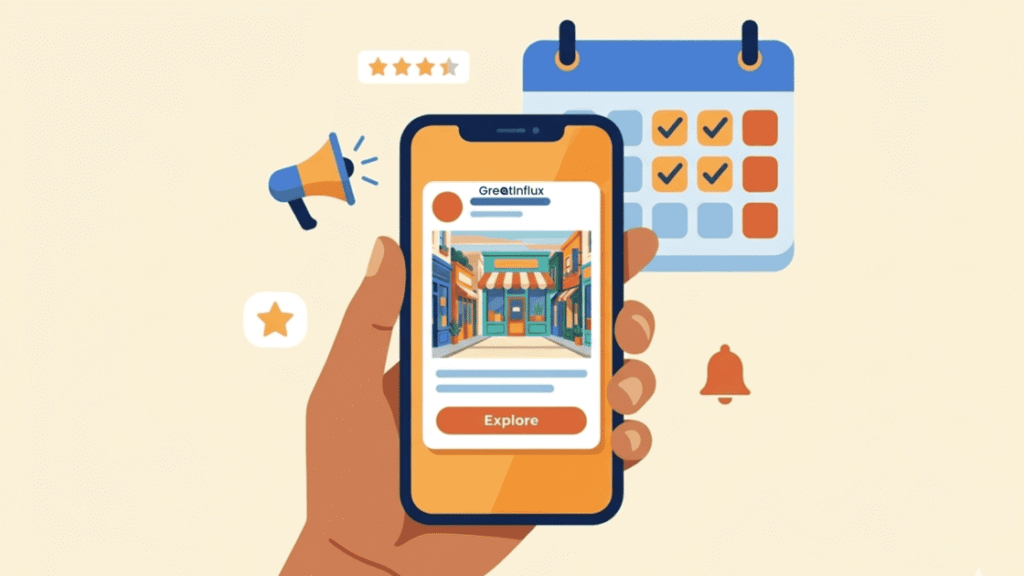
Google Posts are short updates you can publish directly on your GBP. They appear on your listing in both search results and Google Maps, and they have a direct impact on how often your listing is shown for relevant searches.
There are four types of Google Posts available:
- What is New — general updates, news, announcements
- Offers — time-limited discounts or promotions
- Events — workshops, open days, launches
- Products — highlights specific items from your catalogue
For Indian businesses, the most effective posting frequency is two to three times per week. Keep each post between 100 and 300 words, include a call-to-action button (such as ‘Learn more,’ ‘Call now,’ or ‘Book’), and link each post to a relevant page on your website.
Posts expire after 7 days unless they are events with a future end date. Set a recurring reminder to publish new posts so your listing stays active.
Step 5 — Build and manage your Q&A section
The Questions and Answers section on your GBP allows anyone — including your customers — to ask questions publicly. The answers are also public. If you do not monitor and answer these questions, random members of the public may answer them on your behalf — sometimes incorrectly.
The best practice is to proactively seed your own Q&A section with the questions your customers ask most frequently. Write the question yourself (you can do this while logged in as your business), then answer it with accurate, helpful information. This also adds keyword-rich content to your listing without violating any policies.
Good questions to pre-seed for Indian businesses include: parking availability, whether you accept cards or UPI, home delivery or home service availability, appointment booking process, and whether you serve specific areas or localities.
Step 6 — Set up your products and services
The Products and Services sections of GBP are underused by most Indian businesses but offer significant ranking benefits. Adding structured product or service listings tells Google exactly what you offer, which improves your relevance for specific search queries.
For each product or service, add a name, description (use relevant keywords naturally), and price or price range where appropriate. For service businesses like consultants, agencies, or home service providers, the Services section is particularly powerful because Google can show individual services in your listing for matching searches.
Step 7 — Monitor GBP Insights and keep improving
GBP Insights shows you how customers are finding and interacting with your listing. The key metrics to review every week are:
- Search views — how many times your listing appeared in search results
- Maps views — how many times your listing appeared in Google Maps
- Direction requests — people who clicked for directions to your business
- Calls — phone calls made directly from your GBP listing
- Website clicks — visits to your website from your GBP
Look at the queries that people are using to find your listing. If you see searches for services you offer but have not explicitly listed, add them to your profile. GBP Insights is a free, ongoing keyword research tool specific to your business — use it.
| Benchmark: A well-optimised GBP for an Indian local business should generate at minimum 100 to 300 profile views per month within the first 60 to 90 days of optimisation, depending on your market and competition. If your views are well below this, revisit your category selection and posting frequency first. |
Common GBP mistakes Indian businesses must avoid
- Keyword stuffing the business name — this is a policy violation and grounds for suspension
- Using a virtual office address without genuinely operating from that location
- Ignoring the Q&A section and letting strangers answer questions incorrectly
- Not updating hours during Indian public holidays and festival seasons
- Uploading blurry or irrelevant stock photos instead of real business images
- Creating multiple GBP listings for the same business at the same location
Letting the listing go dormant — no posts, no new photos, no review responses for months
What to do next
A fully optimized Google Business Profile is the foundation of your local SEO strategy — but it works best when it is supported by the other elements of a complete local presence. Here are the logical next steps to build on what you have set up today.
- Read our Complete Local SEO Guide for Indian Businesses for the full picture of how GBP fits into your overall local ranking strategy
- See the best Indian business directories to build your local citation profile and strengthen your NAP consistency
- Learn how to get more Google reviews ethically to accelerate your star rating and review count
- Understand how local keyword research works so your website supports your GBP with the right on-page signals
If you would prefer to have an expert handle your Google Business Profile setup and ongoing management, GreatInflux offers affordable local SEO services built specifically for Indian businesses. From initial GBP optimization and citation building to monthly maintenance and reporting, we handle everything so your listing stays active and competitive without taking time away from running your business.
Is Google Business Profile free to use in India?
Yes, Google Business Profile is completely free for all businesses in India. There is no charge to claim, verify, or manage your listing. The only paid features are Google Ads, which are optional and separate from your organic GBP listing. Every feature discussed in this guide — posts, photos, Q&A, products, insights — is available at no cost.
How often should I post on my Google Business Profile?
For Indian businesses, the ideal posting frequency is two to three times per week. Posts expire after 7 days, so consistent posting is necessary to maintain an active presence. At a minimum, post once a week to keep your listing from appearing inactive. Use a content calendar and schedule 30 minutes each week to write and publish your GBP posts.
Why is my Google Business Profile not showing on Google Maps?
The most common reasons are: your listing is not yet verified, your listing has been suspended due to a policy violation such as a keyword-stuffed business name, your business category does not match the search query, or your listing is too new and has not yet built enough prominence to appear. Check your GBP dashboard for any alerts or suspension notices, verify that your listing is fully complete, and make sure your business name matches your actual trading name exactly.
How do I verify my business on Google Business Profile in India?
In India, the most common verification method is postcard by mail, where Google sends a PIN to your registered business address within 5 to 14 days. Some businesses qualify for instant verification by phone or email. If you are using a new phone number or a recently created Gmail account, you may be offered video verification instead. Log into business.google.com, select your listing, and follow the verification prompts for the options available to your account.
Can I have multiple Google Business Profiles for the same business?
You can only have one GBP listing per physical location. Creating multiple listings for the same address is a policy violation and Google will merge or remove duplicates. If your business has multiple genuinely separate locations — for example, branches in different cities — each location can have its own GBP listing with its own address and contact details. Franchises and multi-location businesses have specific guidelines available in Google’s help documentation.
